#1 Timetable Plugin for WordPress
$39
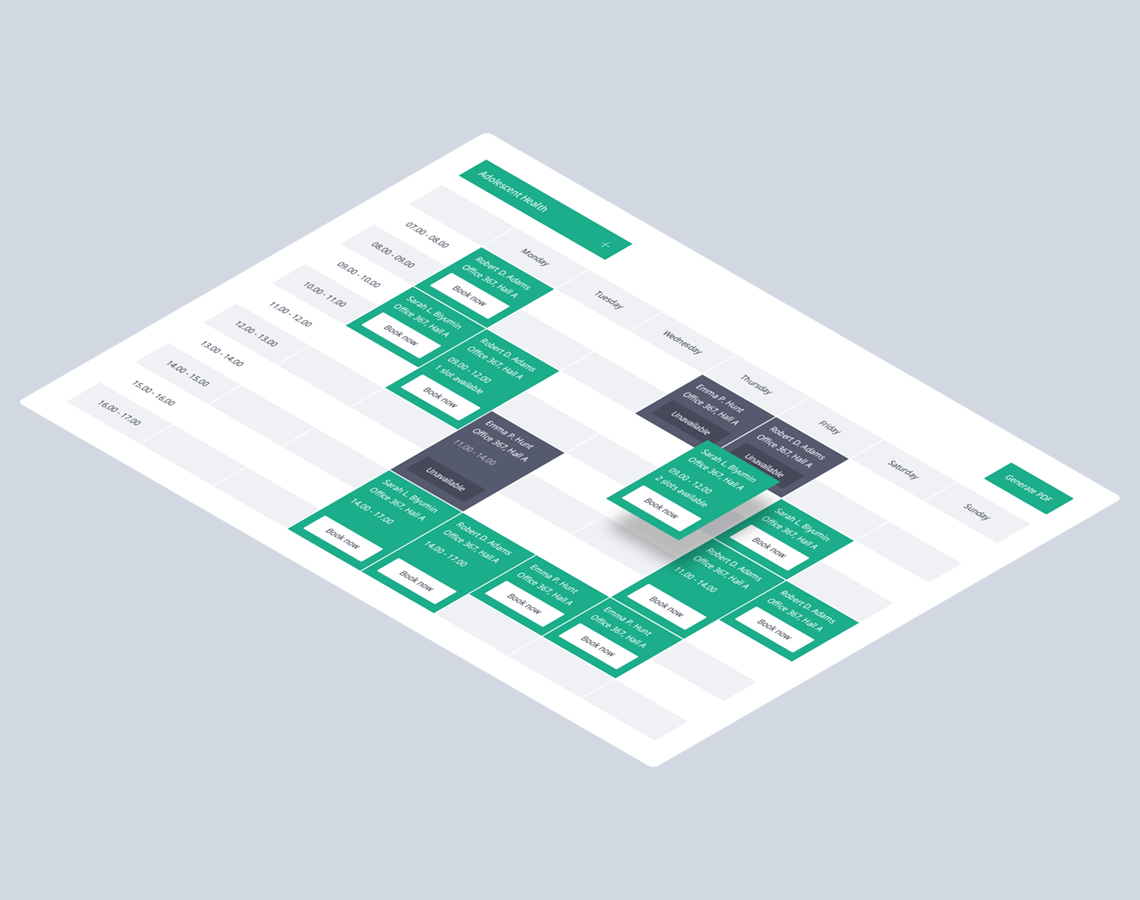
Timetable WordPress plugin for creating professional event schedules and online reservations. Let users book events directly from the timetable and export schedules to PDF with ease.
What’s Inside
Explore Key Features
Timetable WordPress Plugin
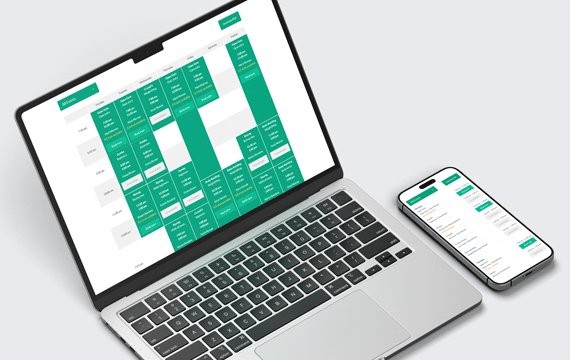
Create professional event schedules and manage bookings directly from your WordPress website with an easy-to-use timetable system.
- Create responsive schedules for classes and events.
- Allow users to book events directly from the timetable.
- Export schedules to PDF in a clean printable format.
- Perfect for gyms, schools, clinics, events, and conferences.
Timetable Generator
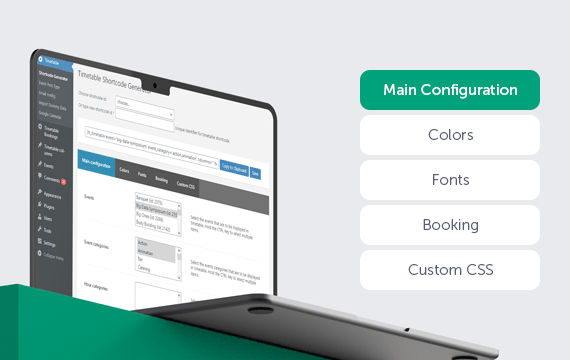
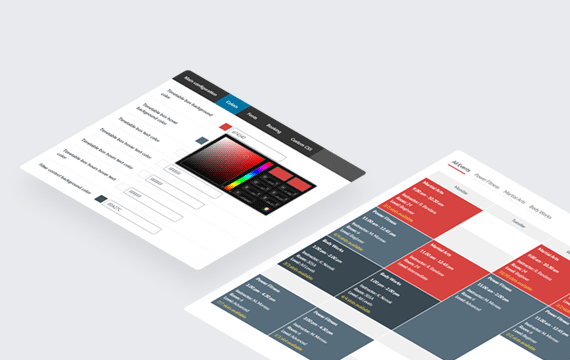
With Timetable’s shortcode generator, you can quickly create and customize professional timetables. Select events, categories, and columns, choose the preferred time format and event layout, and enable dropdown or tab-based filtering.
You can also define custom colors, Google Fonts, and custom CSS to match your branding or website style. Additional options allow you to control event visibility, booking functionality, and more.
Built-In Booking
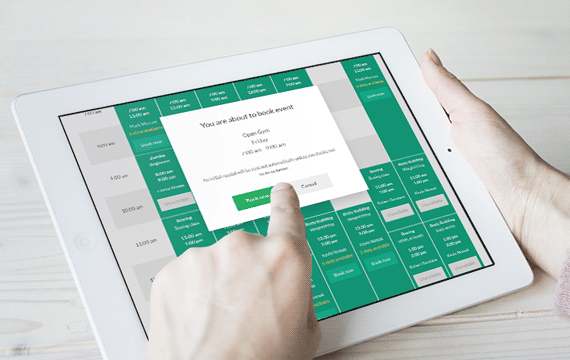
Timetable includes built-in booking functionality, allowing users to reserve spots for events directly from the timetable. Set the maximum number of available slots, control booking limits per user, and manage event availability with ease.
Custom Notifications
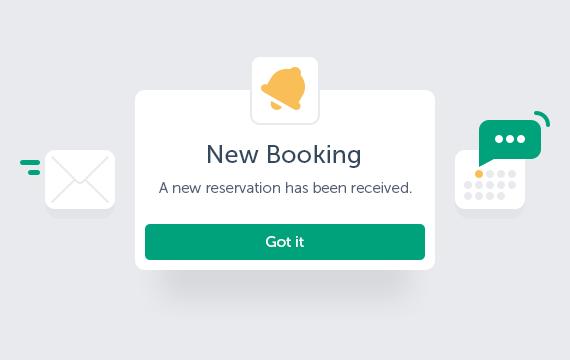
Create custom email notifications for admins and users, configure SMTP settings, and automatically send booking confirmations and cancellation notifications.
Google Calendar Integration
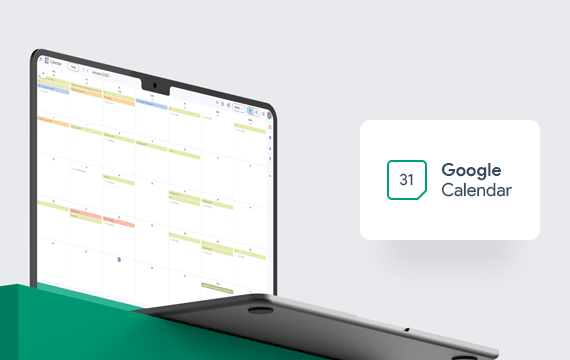
Integrate Timetable with Google Calendar to import and export events, synchronize schedules, and keep bookings and event hours up to date.
Export to PDF
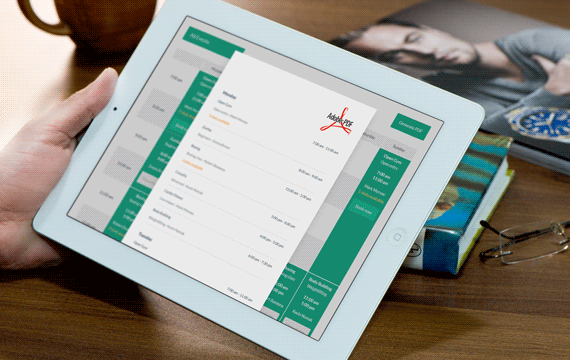
Generate professional PDF versions of your timetable view with a single click. Easily print, share, or save schedules for attendees, clients, or staff members.
Event Manager & Occurrences
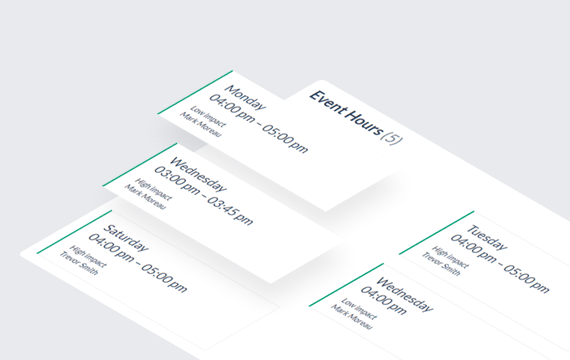
Create and manage events using dedicated custom post types. Use the event occurrences shortcode to display all scheduled occurrences of a selected event.
Fully Customizable
Customize the timetable, widgets, and single event pages independently to match your website design and branding.
Pricing Plans
Timetable Booking Schedule Pricing
Single Site
Perfect for freelancers and single business websites.
$39
/ year
Cancel anytime
- Lifetime plugin usage
- 1 year of updates
- 1 year of support
- Use on 1 website
Multi Site
Ideal for growing businesses and multiple websites.
$149
/ year
Cancel anytime
- Lifetime plugin usage
- 1 year of updates
- 1 year of support
- Use on 5 websites
Unlimited
Best for agencies and unlimited client deployments.
$499
/ year
Cancel anytime
- Lifetime plugin usage
- 1 year of updates
- 1 year of support
- Unlimited website usage
Compare Plans
| Feature / Benefit | Annual Plan | Lifetime Plan |
|---|---|---|
| Plugin usage | Lifetime usage | Lifetime usage |
| Plugin updates | 1 year | Lifetime |
| Technical support | 1 year | Lifetime |
- Lifetime plugin usage: Keep using the plugin even after your annual license expires.
- Cancel anytime: Annual plans renew automatically, and you can cancel anytime.
- Risk-free purchase: Secure checkout by Freemius with a 14-day money-back guarantee.
Use Cases
Built for Scheduled Classes and Events
01
Fitness & Group Classes
Create clear schedules for recurring classes, instructors, and activities with online booking directly from the timetable.
02
Schools & Training Centers
Organize lessons, courses, training sessions, and recurring schedules across different groups or instructors.
03
Workshops & Events
Build flexible timetables for workshops, events, seminars, and other scheduled activities with online reservations.
04
Venues, Rooms & Activity Spaces
Create schedules where columns represent rooms, venues, courts, studios, or other custom resources instead of days of the week.
There’s Even More
Discover More Features
Integration with WPBakery
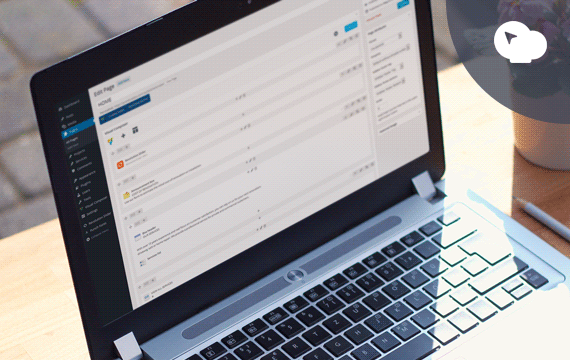
Timetable integrates seamlessly with WPBakery Page Builder for WordPress, allowing you to build and manage timetable layouts directly within the page builder interface.
Upcoming Events
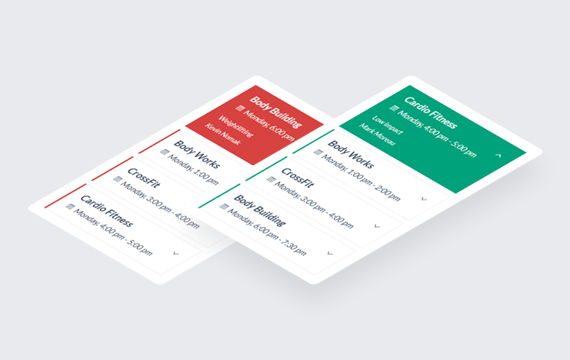
Use the built-in widget to display today’s events or upcoming events in a clean, scrollable list with category support and color-coded event styling for better visibility.
One-Click Demo Import
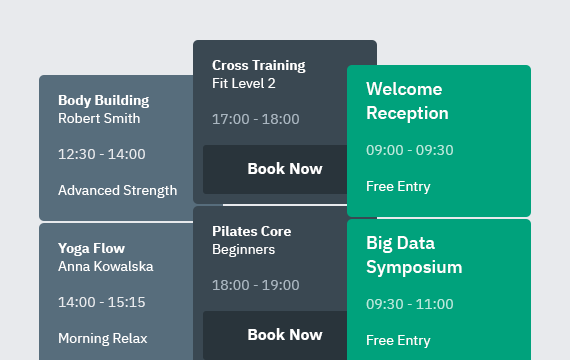
Import demo tables, widgets, and plugin settings with a single click to quickly recreate the demo content on your website. It’s the fastest way to see and customize the plugin.
Real Feedback
Look What Clients Are Saying
Ready to Get Started?
Choose the plan that best fits your business and start managing events, schedules, and bookings today.
Got Questions?
Frequently Asked
Questions
Find answers to the most common questions about installation, customization, support, and included features. Looking for other booking solutions? Explore our complete collection of WordPress plugins.
-
What do I get with my purchase?
Your purchase includes the Timetable Booking plugin package, a license key, access to product updates and technical support according to your selected plan, product documentation, and demo content to help you get started.
You will also receive access to your customer account, where you can download the plugin, view and manage your license, access invoices, and manage your subscription or renewal settings.
-
What happens after I complete my purchase?
After completing your purchase, you will receive an email with your order details, a download link for the plugin, your license key, and access to your customer account.
You can then download and install the plugin on your WordPress website, activate your license, and receive updates directly from the WordPress admin area while your update access remains active.
-
How do Annual and Lifetime plans differ?
Both plans include lifetime use of the plugin. The Annual plan includes 1 year of product updates and technical support and renews automatically each year unless cancelled. The Lifetime plan is a one-time purchase that includes lifetime product updates and technical support.
-
Can I use the plugin after my Annual plan expires?
Yes. The plugin will continue to work on your website after your Annual plan expires. However, you will no longer have access to new product updates or technical support unless you renew your plan.
-
Are plugin updates included?
Yes. The Annual plan includes product updates for 1 year, while the Lifetime plan includes product updates for the lifetime of the plugin. While your update access is active, new versions can be installed directly from the WordPress admin area.
-
How many websites can I use the plugin on?
The number of websites depends on the license option selected during purchase. You can choose a Single Site license for one website or select a higher license tier if you need to use the plugin on multiple websites.
-
Is technical support included?
Yes. The Annual plan includes 1 year of technical support, while the Lifetime plan includes lifetime technical support.
Support covers help with plugin setup, troubleshooting, reported plugin issues, and clarification of available features. Installation services, custom development, and extensive third-party integrations are not included.
Our support team usually responds within 24–48 hours, Monday through Friday. Technical support is available through the QuanticaLabs Support Forum.
-
Do I need coding skills to use the plugin?
No. The plugin can be configured and managed directly from the WordPress admin area without editing code. No programming knowledge is required for standard setup and day-to-day use.
-
Will it work with my WordPress theme?
The plugin is designed to work with modern WordPress themes that follow standard WordPress coding practices. In case of a compatibility issue, our support team can help identify whether it is related to the plugin, the active theme, or another third-party component.
-
Can I create schedules for different types of events?
Yes. You can create multiple events, event categories, and timetable columns within a single WordPress website. The plugin can be used for classes, training sessions, fitness activities, conferences, medical schedules, educational programs, and other recurring events.
-
Can users book events directly from the timetable?
Yes. Visitors can reserve available places directly from the timetable. You can define the capacity, booking limit, and availability for individual events, allowing you to control how many reservations can be accepted.
-
Can I customize the timetable layout and appearance?
Yes. You can configure the timetable layout, colors, fonts, event boxes, filters, and visible information to better match your website. Additional visual changes can also be applied using custom CSS.
Find answers to the most common questions about installation, customization, support, and included features. Looking for other booking solutions? Explore our complete collection of WordPress plugins.
A Proven Scheduling Solution for WordPress
Over 10,000 customers use Timetable to manage schedules with ease.
10K+